AI Business Automation
AI Business Automation: How to Choose Your First Workflow
Choose a practical first AI workflow, prepare your data, set human review, run a pilot, and compare costs before automating more of your business.
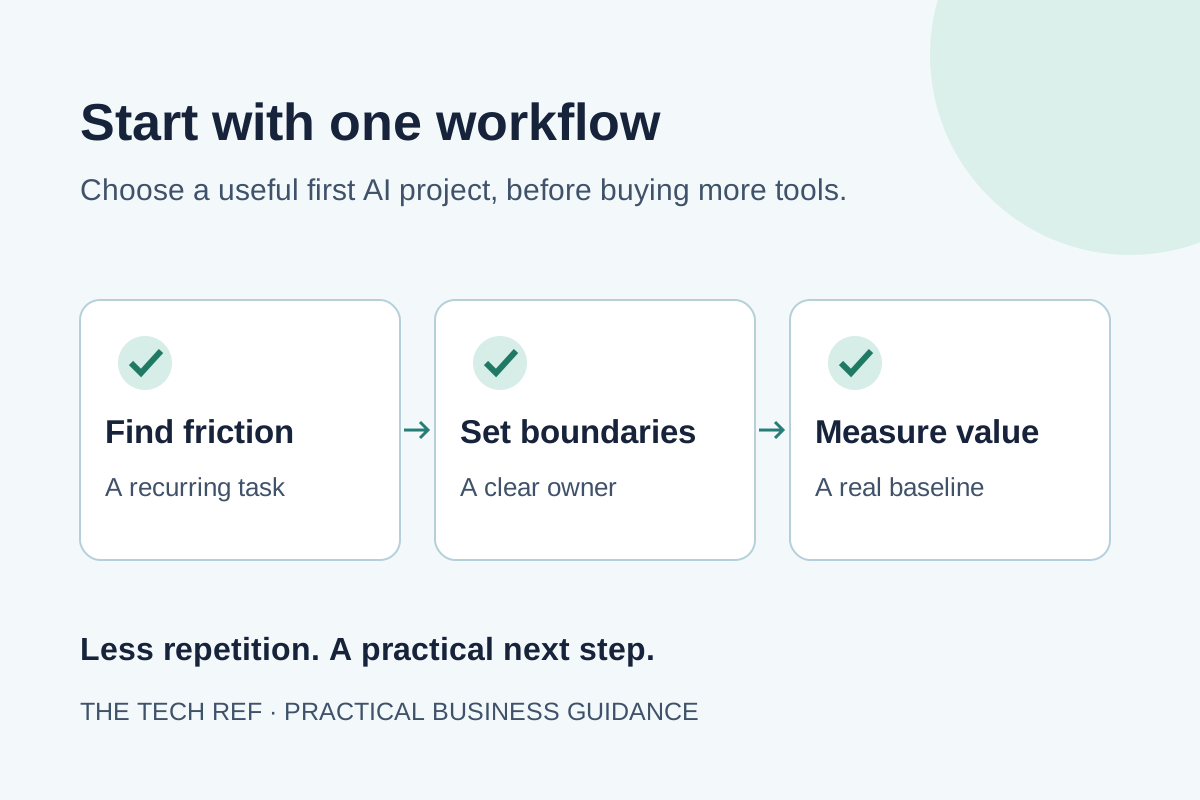
The best first AI project is a task your team already understands, repeats often, and can check before a mistake reaches a customer. Start there. A tool that looks impressive in a demo can still be a poor fit for the way your business handles real work.
Think about the small jobs that interrupt the day: reading an inquiry, finding the right record, drafting a reply, or turning meeting notes into next steps. Your first workflow should solve one of those problems with a clear owner and a measurable result. It does not need to transform the whole business.
This guide shows you how to choose, test, and budget for a first workflow. If you want help matching the project to a specialist, explore AI business automation guidance. The starting point is the work, not a software subscription.
1. Map the task that keeps slowing your team down
Ask the people doing the work where time disappears. Look for copying between systems, sorting messages, searching for answers, and chasing missing details. Watch a few real examples from beginning to end. A written procedure often leaves out the workarounds that make the process function.
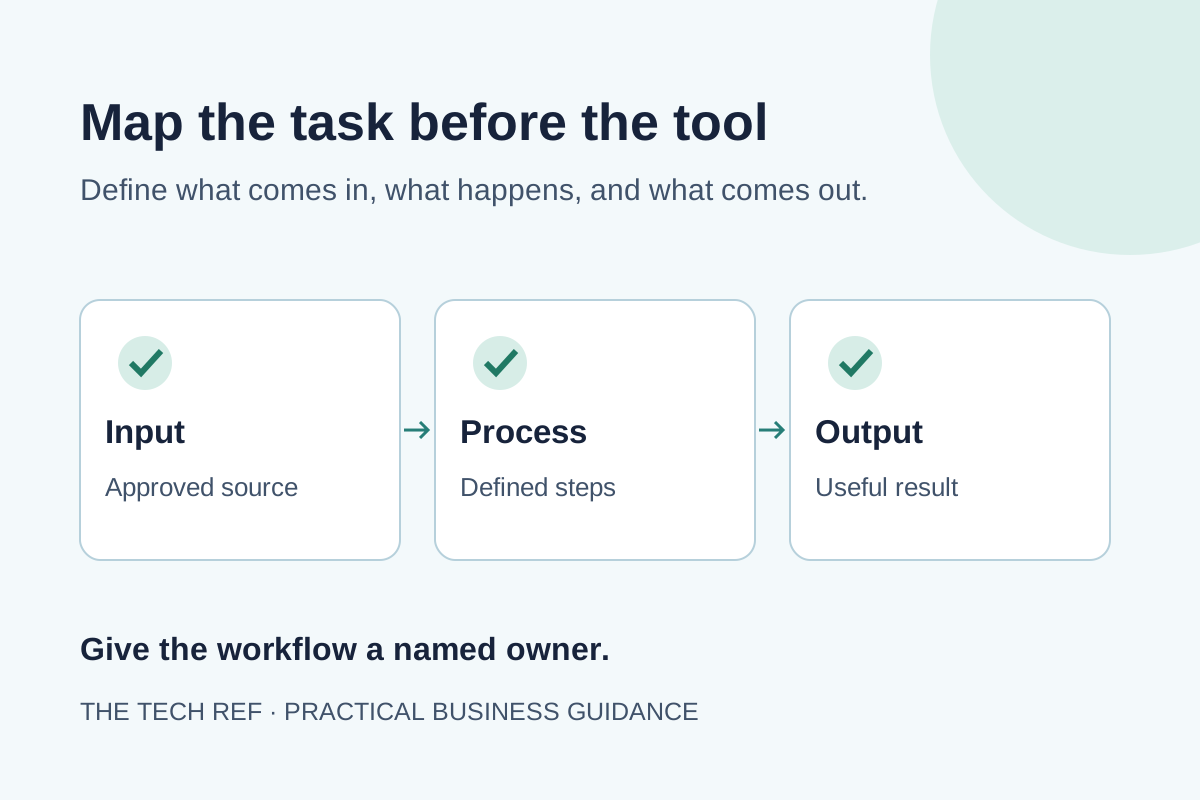
Write down the trigger, the information used, each action, the person responsible, and the final result. Include exceptions. If an incoming request lacks an account number, who finds it? If a customer asks for something outside the usual scope, where does the request go? Those details define what the workflow must handle.
Microsoft explains that process mining uses event data to show how work actually happens, including bottlenecks and variation. A small business can begin with a simpler approach: review records and observe staff before deciding whether a dedicated analysis tool is needed.
Record a baseline before changing anything. Count how many requests arrive, how long people actively work on each one, how long customers wait, and how often work needs correction. Separate active work from waiting time. A faster draft does little for the customer if it still sits in an approval queue all afternoon.
2. Choose a small workflow with a useful payoff
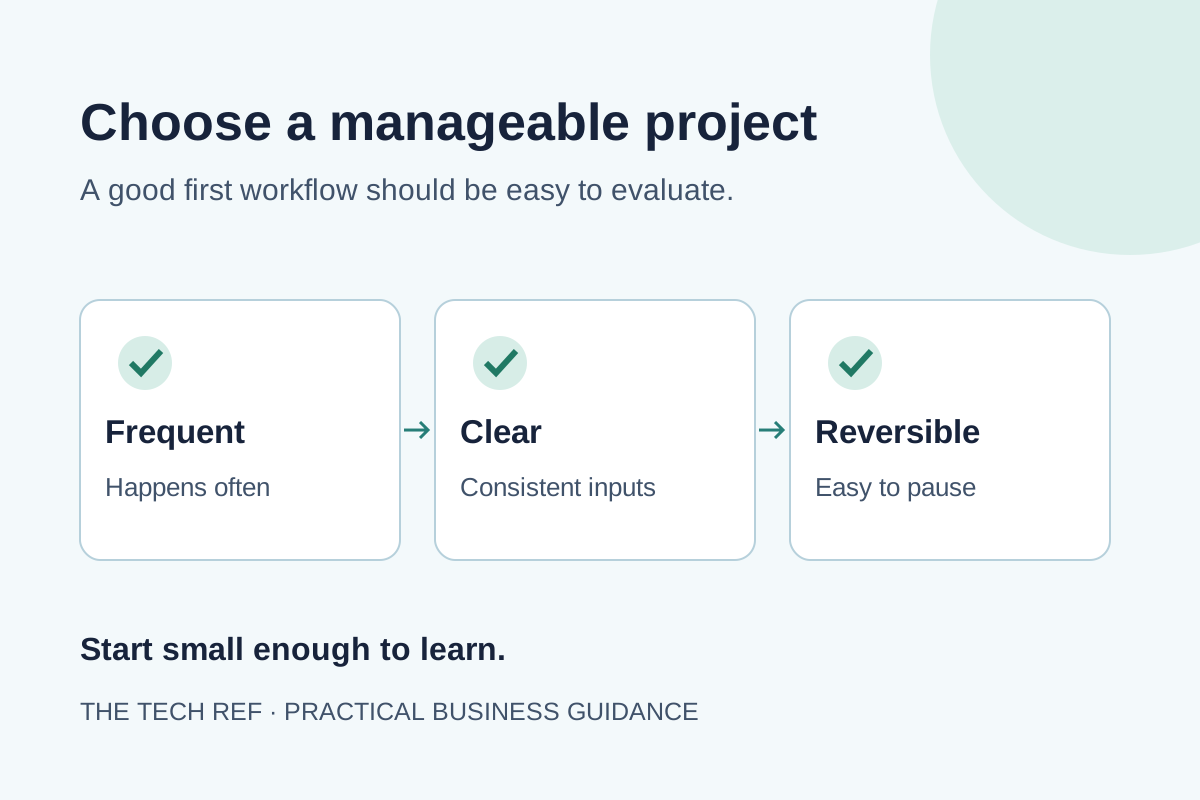
Make a shortlist of three recurring tasks. For each, ask whether the volume is meaningful, the inputs are available, and the result is easy to check. A useful first project has a narrow beginning and end. “Prepare an inquiry summary for the sales team” is easier to test than “automate sales.”
- Frequency: Does the task recur enough to justify setup and maintenance?
- Readiness: Are the source records accurate, accessible, and owned by someone?
- Review: Can a person quickly recognize a wrong or incomplete result?
- Consequence: What happens if the workflow makes a mistake?
- Ownership: Who will handle exceptions and keep the process current?
Use these questions as a discussion guide, not a scientific score. Reject a task if a major risk has no workable control, even when it would save time. Then prefer the remaining task with clear repeat volume and little dependency on other departments. Fewer handoffs make the first pilot easier to understand.
For a hypothetical service company, summarizing new quote requests might be a better start than generating final prices. The summary can extract the requested service, location, and missing details for staff review. A final price could depend on site conditions, contract terms, and exceptions that are not captured in the message.
Keep customer impact in view. A workflow that saves a little time but helps staff respond reliably may be more valuable than one that creates large amounts of content no one needs. Define the useful outcome before anyone starts building.
3. Decide which steps need AI and which need rules
Not every repeated task needs AI. If the rule is fixed, use a fixed rule. Sending a reminder after an agreed date, copying a known field, and routing an approved form by location can often be handled by ordinary automation. Adding AI to those steps may introduce uncertainty without improving the result.
AI can be useful when the input varies: free-form messages, meeting notes, or a collection of documents. It can help summarize text, suggest a category, or prepare a draft. The rest of the workflow still needs clear instructions about where information comes from and what happens next.
Consider a hypothetical customer inquiry. A rule checks that required contact fields exist. AI prepares a short summary of the request. A rule puts that summary in the right queue. A staff member reviews it and decides how to respond. These are separate jobs, so a problem in one step is easier to find.
If your main issue is answering incoming calls, the AI receptionist service overview addresses that distinct use case. If the issue is internal follow-up or document handling, start with a workflow built around those tasks rather than assuming one tool covers both.
4. Prepare the information before connecting the tool
A workflow cannot reliably follow a policy that is out of date or buried in conflicting documents. Choose the approved information it can use. Identify the person who owns that information and the process for keeping it current. For a draft-answer assistant, that might be a maintained service guide rather than every file in a shared drive.
Check a sample of real inputs. Are account names consistent? Do records contain the fields staff need? Are duplicates common? Fix the basic problems first. Otherwise, your team may spend the pilot correcting source data rather than finding out whether the workflow is useful.
List the information the project actually needs, and limit access accordingly. Ask prospective providers where data goes, how long it is kept, whether it is used to train models, and how deletion works. Get answers for the specific product and plan proposed, rather than relying on a broad marketing promise.
Have whoever manages your cybersecurity review access and sensitive-data handling. A first pilot can often use redacted examples while the team confirms what is appropriate to share. Sensitive customer, employee, or financial records deserve a deliberate decision before they enter a new tool.
Also confirm that your existing systems can exchange the needed information. A promising workflow may be harder to deliver if a key application limits access, requires extra licenses, or cannot support the required connection.
5. Set human review and clear stop points
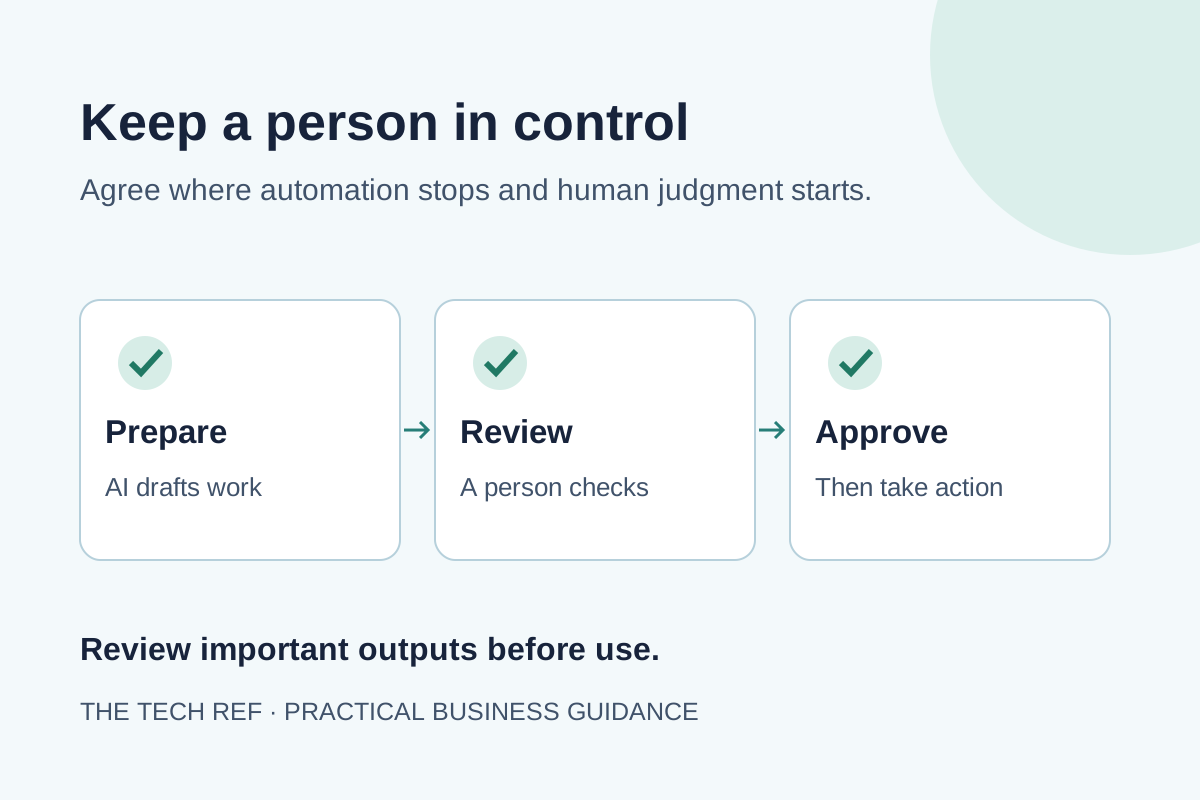
Write down what the workflow may do, what requires approval, and what it must never do. For an early pilot, preparing a draft is often a better boundary than sending it. Keep consequential actions, such as approving a payment or committing to a contract, under the appropriate person’s control.
The NIST AI Risk Management Framework calls for defined responsibilities and human oversight. In practice, name the reviewer, explain what they check, and give them the ability to pause the workflow. “A person will review it” is incomplete if nobody has time or authority to do that job.
Define escalation triggers. Missing source information, conflicting records, unusual requests, or unsupported answers should go to a person. Review should include checking key claims against the original material, not merely approving a polished tone. Make the source easy for the reviewer to open.
NIST’s Generative AI Profile identifies confabulation, including confidently presented false information, as a risk. A fluent answer can still be wrong. That is a reason to test outputs against evidence and control what the workflow can do with them.
Keep a usable fallback. If the tool stops working, staff should know how to continue manually and who to notify. Store enough information to understand what happened without keeping unnecessary sensitive content. Decide how changes to instructions or source documents will be checked before they affect customers.
6. Run a limited pilot with real acceptance criteria
Begin with a controlled group of users and one task. Use representative examples, including incomplete requests, unusual wording, duplicates, and cases that should be escalated. A workflow that handles only clean examples has not yet shown that it can handle a normal working day.
Agree on acceptance criteria before reviewing results. These might include required fields captured correctly, no unsupported commitments, clear escalation of exceptions, and less total staff time per request. Set thresholds that fit the task and the consequences of error. There is no universal accuracy target that makes every business workflow safe.
During the pilot, count review time, corrections, and manual fallback work. Record why outputs were rejected. That helps separate a missing instruction from poor source information or a task that is unsuitable for AI. Ask staff whether the result actually helps them complete their work.
Keep the old process available while you test. Where practical, compare similar requests handled through both approaches. Do not choose only the easy cases for the new workflow. Track response time and quality as well as speed, so a shorter handling time does not hide more customer callbacks.
At the end, make a specific decision: expand, improve and retest, or stop. If the workflow is useful, expand one boundary at a time. Adding another department, document source, or customer action changes what needs testing. A successful pilot is a foundation for the next decision, not permission to automate everything.
7. Compare the full cost with the useful result
Ask for a written scope that separates discovery, setup, connections, testing, training, licenses, usage charges, and ongoing support. Confirm who fixes failures and updates the workflow when your process changes. A low subscription price does not show the full cost of getting dependable work out of the system.
Use net time saved rather than the speed of the AI step. Here is an illustrative calculation, not a customer result: a task takes eight minutes manually. The new process takes two minutes to prepare and three minutes to review and correct. The net saving is three minutes per task. At 100 tasks, that is 300 minutes, or five hours, before maintenance time.
Those hours are capacity, not automatically cash savings. Consider whether staff can use them to respond faster, handle more work, or reduce overtime. Avoid counting the same benefit twice. A proposal should explain the assumptions behind its savings estimate and show what happens if volume or review effort changes.
The same discipline used in cloud cost optimization applies here: understand recurring charges, usage limits, ownership, and support. Ask how you can export your information and what happens if you stop the service. A first project should have a manageable exit as well as a clear start.
Your first-workflow checklist
- Name one recurring task, its owner, and the business outcome.
- Map normal steps and exceptions, then record the current baseline.
- Use approved source information and agreed access controls.
- Define human approval, escalation, and a manual fallback.
- Test realistic cases and count review, correction, and maintenance time.
- Approve the next step only when the benefit and full cost are clear.
How The Tech Ref helps you take the next step
The Tech Ref helps you clarify the business problem and connect with appropriate specialist support. You can discuss workflow reviews, custom assistants, dashboards, training, and ongoing AI leadership through one point of contact, without starting with a tool you may not need.
Our AI Business Automation service explains the options. The Tech Ref’s guidance is complimentary; specialist discovery, implementation, software, training, or ongoing services may carry their own fees. Confirm the scope and cost before committing.
To start, contact The Tech Ref with the task that keeps slowing your team down, the systems involved, and what a better result would look like. You do not need a finished project brief to have that conversation.
Frequently Asked Questions
What is the best first AI workflow for a small business?
Choose a recurring task with available information, a clear owner, and an output staff can check. Inquiry summaries, internal drafts, and document sorting can be candidates, depending on your process. Avoid starting with high-consequence decisions or a task that depends on fixing several other systems first.
Do we need custom AI software to get started?
Not necessarily. Existing business tools or ordinary automation may already handle parts of the task. First map the workflow and check what your current systems support. Custom work becomes worth considering when the requirements, connections, or controls cannot be met appropriately with existing options.
How do we know whether the pilot is worth continuing?
Compare the pilot with the baseline using total handling time, review effort, corrections, customer response time, and full cost. Continue when the workflow produces a useful, dependable result within the controls you agreed on. If it shifts work rather than reducing it, improve the design or stop.
Will AI automation replace our staff?
That depends on the project and the decisions your business makes. For a first workflow, define a specific support task such as preparing information for staff review. Keep ownership, customer judgment, and exception handling clear. Discuss the change with the team so they understand their role and can identify practical problems.
Keep exploring
Related guides

AI Receptionist for Business: What to Compare
Learn what to compare in an AI receptionist for business, from call handling and handoffs to privacy, integrations, testing, and ongoing review.
Read guide
Outsource Vendor Management: When It Makes Business Sense
Use a practical checklist to decide what vendor-management work to outsource, what to keep in-house, and how to set clear responsibilities.
Read guide
Stop Replacing. Start Optimizing.
The best IT decision is not always a new platform. Learn how to improve outcomes from the technology your organization already owns.
Read guideReady for a cleaner decision?