Connectivity
Business Internet Backup: Build a Failover Plan
Build a business internet backup plan that protects calls, payments, cloud access, and core work when the primary connection fails.
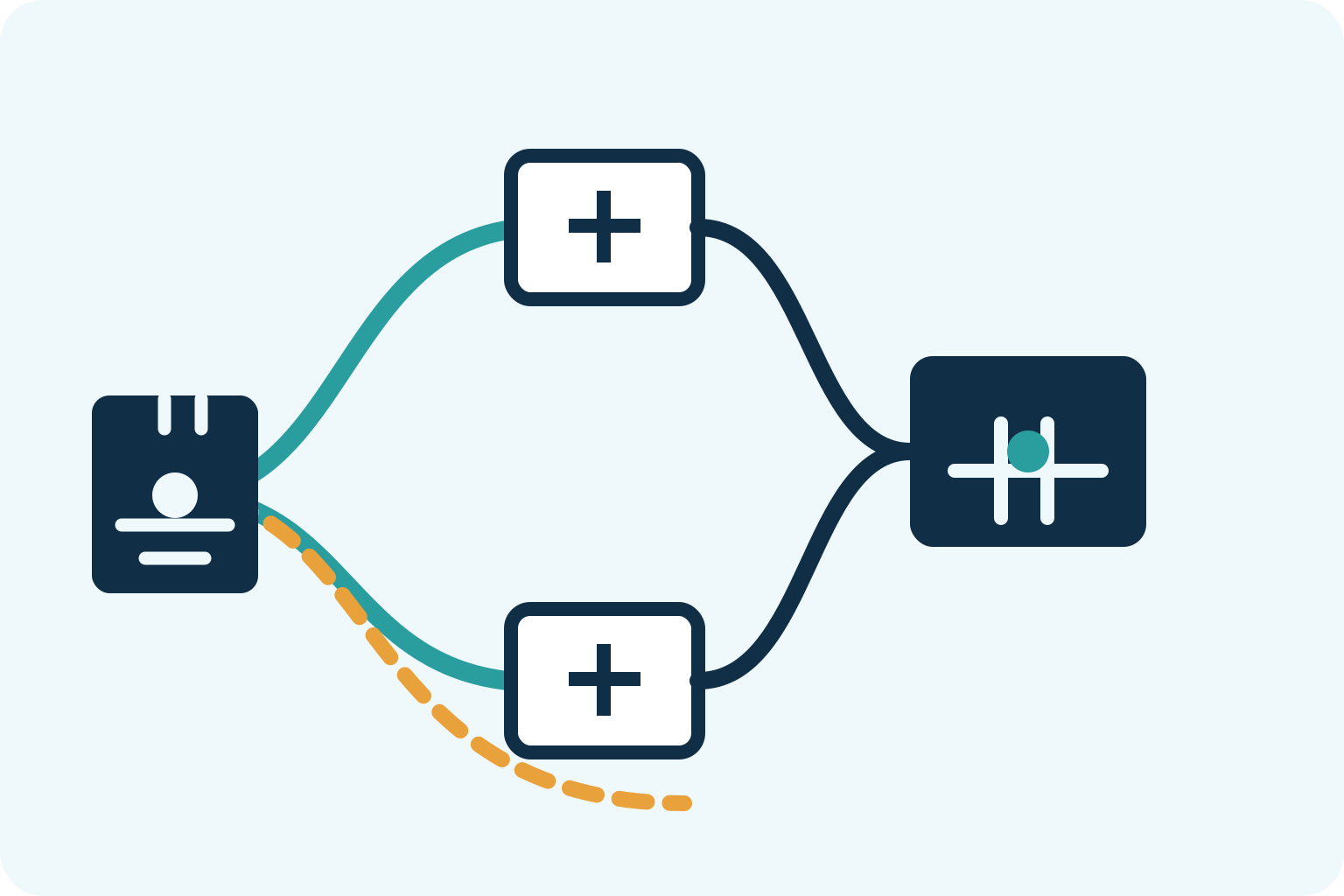
A backup internet connection is not simply a second bill. It is a tested plan for keeping the parts of your business that matter most working when the main connection fails. For some offices, that means card payments and customer calls. For others, it means cloud software, remote access, dispatch, security systems, or a team that cannot afford to lose a working day.
The right plan starts with the interruption you can tolerate, not the router a provider wants to sell. Decide what must stay online, choose a second path that does not repeat the primary connection's weak point, configure the switch-over, and test it under realistic conditions. This guide gives a business owner or operations lead the questions to ask before committing.
Start with the work that cannot stop
Do not begin by asking whether you need 5G, a second fiber circuit, or a particular appliance. First list the workflows that become unavailable when the office loses internet. A retail counter may need payment processing. A professional-services firm may need its phone system, email, client portal, and cloud files. A warehouse may need shipping, inventory, and dispatch. The backup connection only needs to protect the work you have deliberately prioritized.
For each activity, write down three things: who uses it, how long it can be unavailable, and what a reduced version of service looks like. A useful outage target is specific: take payments, receive priority calls, send orders, access the shared files needed today. “Keep the whole office normal” is not specific enough to size a backup connection or test it honestly.
Public resilience guidance for small businesses makes the same distinction: continuity planning should identify the essential online services that need to continue, including payment, voice, and basic business applications. The Canadian Internet Resilience guidelines also notes that the acceptable outage window should shape the level of automation and investment.
A second connection must be genuinely different
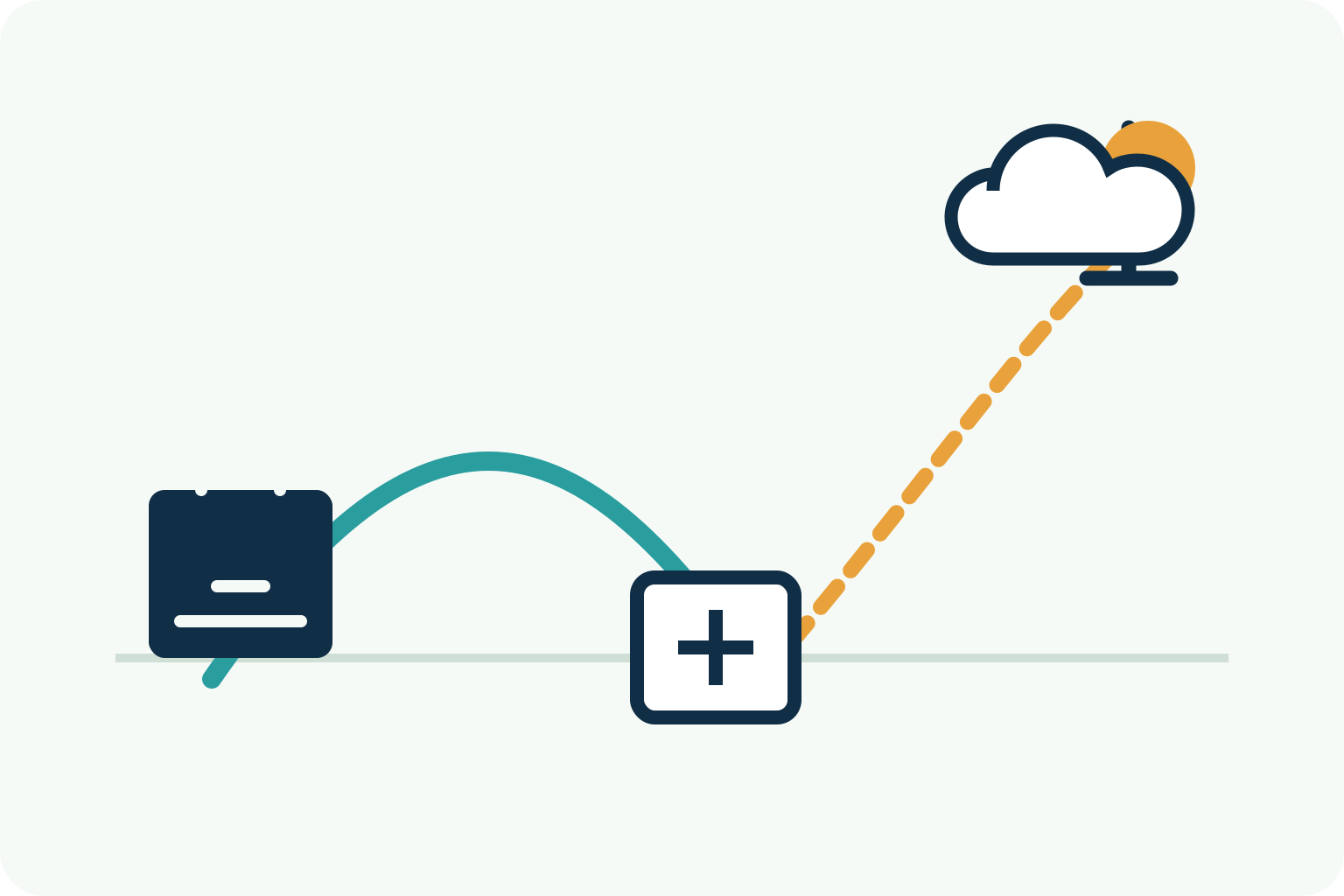
Two connections do not automatically create two independent paths. A second service from the same provider, in the same building entry route, may survive a modem issue but not a neighborhood cable cut, power event, or provider outage. The useful question is not “Do we have two circuits?” It is “What failure does the second circuit protect us from?”
A common small-business design pairs a wired primary line with cellular or fixed wireless backup. That can provide practical diversity because it uses a different access technology and often a different carrier. A second wired service can be stronger for a heavier workload, but ask each provider how the lines enter the building, whether they share an access route, and whether their upstream networks are distinct. Different logos on invoices are not proof of path diversity.
The technology has to match the consequence. A cellular connection may be ideal for payments, email, VoIP registration, and a small number of cloud users. It may be a poor substitute for a full office doing large file transfers, hosted desktops, video calls, and backups at the same time. A second fixed circuit can carry more workload, but it costs more and may take longer to install. The right answer is the least complex option that protects the defined minimum service.
Choose manual or automatic failover deliberately
Manual failover means someone changes the connection or starts a hotspot after the main line fails. It can be acceptable when a brief interruption is manageable and only a few devices need continuity. It is inexpensive, but it depends on the right person being present, the backup being charged and usable, and staff knowing what to do.
Automatic failover uses a router, firewall, or managed network service to detect a failed primary link and send traffic over the backup path. It is the better fit when payments, calls, or a core cloud system cannot wait for a manual handoff. It is not magic: the device needs a sensible health check, the backup needs enough usable capacity, and some active sessions may still reconnect when the public internet address changes.
Ask how the equipment decides the main line has failed. A device that only checks whether the modem has power can miss a broader provider problem. A device that reacts to one temporary lost ping can move traffic unnecessarily. The practical goal is a detection method that notices a real loss of usable service, changes paths predictably, and returns to the primary connection only after it is stable. Your network team or provider should be able to explain that behavior in plain language.
Provider documentation illustrates the operational detail: a backup connection requires compatible routing and, for a power outage, its own power source. Verizon’s business backup guidance also distinguishes backup continuity for critical applications from a low-data primary service. Treat those as two different jobs when comparing a quote.
Size the backup for a reduced operating mode
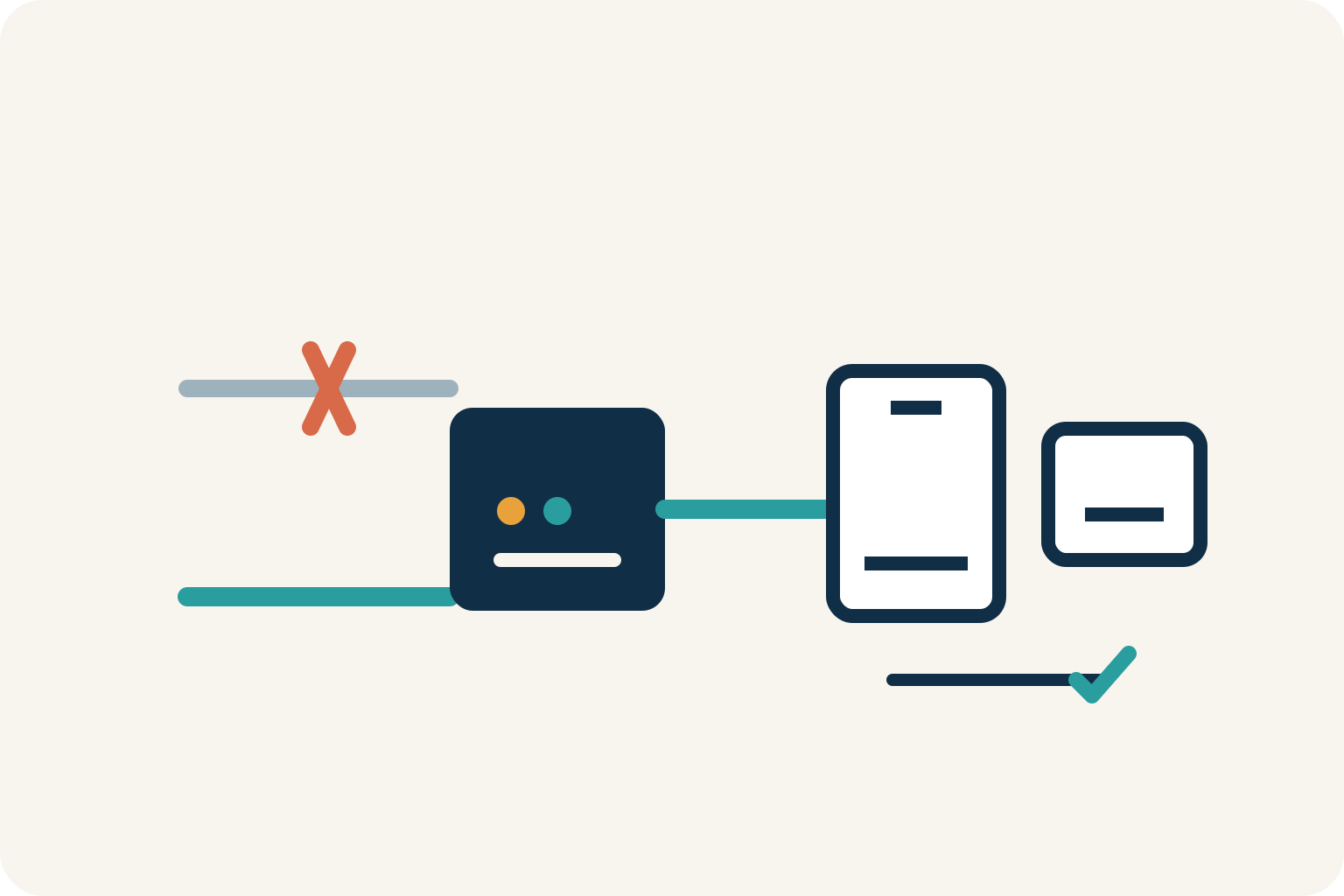
A backup plan does not have to reproduce your primary circuit at full speed. It should have enough capacity for the people and applications you chose in the first step. Make a short priority list: payment terminals, business phones, VPN access for a few users, cloud applications, and customer communication may remain on. Guest Wi-Fi, software updates, large syncs, media downloads, and non-essential video meetings can wait.
Ask the provider what happens after a data allowance is used, whether traffic can be deprioritized during congestion, and whether the service is designed for backup rather than everyday office use. Also ask whether the router can apply policy during an outage, such as keeping critical devices online while limiting guest traffic. A backup plan that works in a quiet test but is consumed by automatic updates during an actual outage is not a plan.
Make the reduced operating mode visible to the people who will use it. A short instruction can say which Wi-Fi network to use, whether video meetings should stop, how to recognize that the site is on backup, and who to call if a critical system does not reconnect. That avoids two common problems: staff assuming every service is available when it is not, and staff creating avoidable load on a connection reserved for customer-facing work.
Do not overlook power, voice, and public-address dependencies
Internet redundancy solves an access problem, not every outage. If the building loses power, the modem, router, firewall, switches, Wi-Fi access points, desk phones, and cellular gateway still need power. A battery backup can keep the network equipment operating for a limited period, but it must be sized and tested for the equipment actually in use. Confirm whether your provider’s device has its own battery or whether your business must supply one.
Voice and remote access deserve separate testing. Hosted phones may register again over the backup path, but an active call can drop during the change. A VPN, payment processor, or cloud application may reject traffic from an unfamiliar public address. If your business uses IP allowlists, site-to-site tunnels, inbound remote access, security cameras, or a fixed public IP, ask the provider or network team what will happen during failover. It is much easier to fix that before an outage than while customers are waiting.
Run a real acceptance test before calling it protected
A backup connection that has never carried the important work is only a theory. Schedule a controlled test when the business can tolerate a short interruption. Disconnect or disable the primary path in the approved way, then watch what actually happens. Do payments process? Can the priority users reach the cloud application? Do inbound calls follow the expected route? Does remote access work? How long does recovery take?
Include the ordinary human steps too. Confirm that the person who opens the store, answers the phones, or supports remote staff knows what “backup mode” looks like and where the short recovery checklist lives. Technology only protects the business when the people depending on it know what to expect.
Write down the result and the owner for each step. Test again after changing routers, providers, phone systems, firewall rules, office locations, or critical applications. The test should include a power check if power continuity is part of the stated objective. Continuity guidance from CISA likewise emphasizes testing communications systems that support essential functions, rather than assuming a documented plan will work when activated.
Keep the result simple enough to use later: the date tested, the scenario, the expected outcome, the actual outcome, anything that failed, and the person responsible for the fix. This becomes especially useful at renewal time. Instead of buying another backup service because a sales proposal sounds reassuring, you can compare the proposal against the failures your business has actually seen and the recovery target you have already defined.
Questions to put in front of every provider
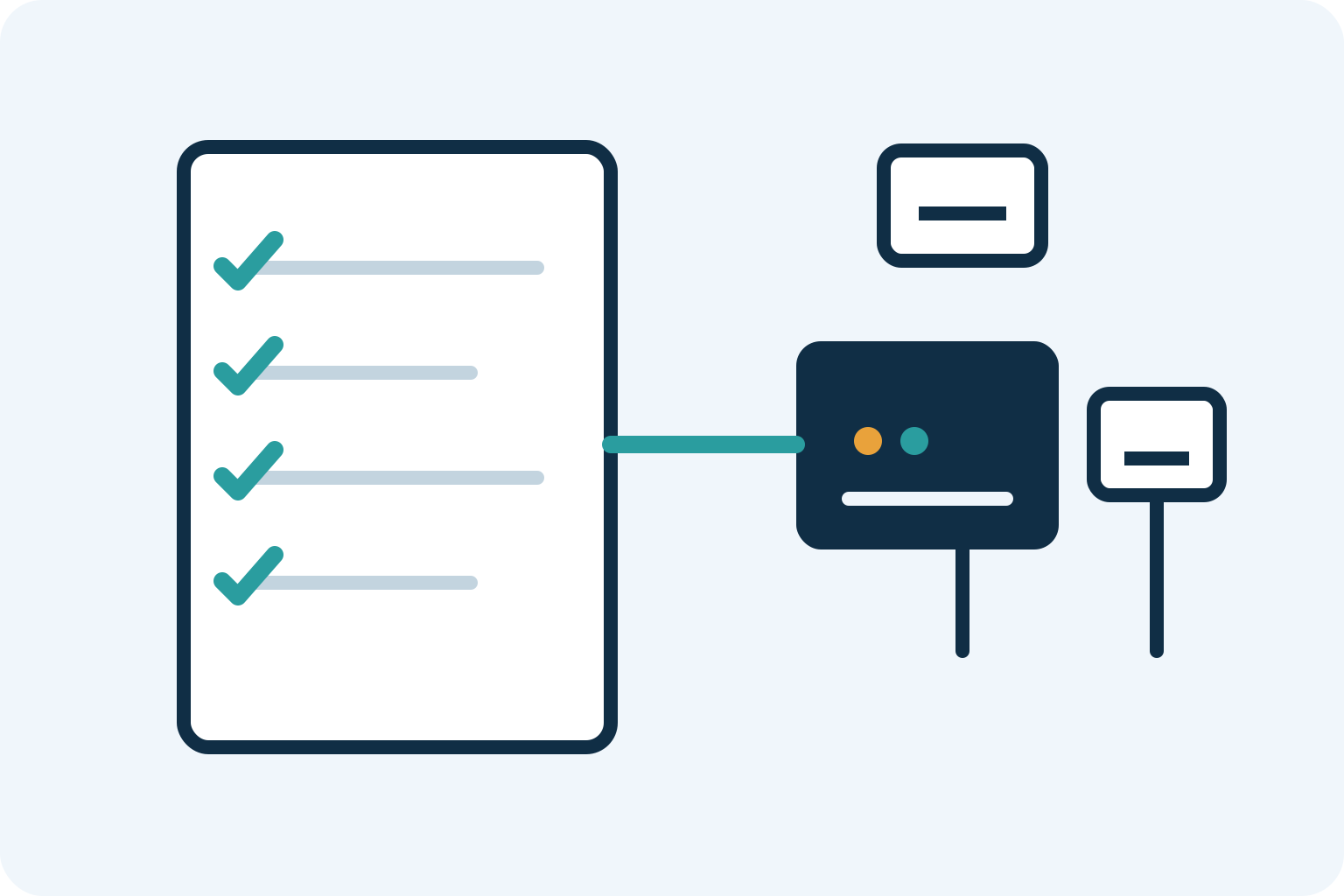
- What core activity is this backup designed to protect, and how much traffic can it sustain during an outage?
- Does the backup use a different carrier, access technology, building entry route, and upstream path where possible?
- What router or firewall capability detects failure and changes paths, and what health checks does it use?
- Can we prioritize payments, calls, VPN, and critical cloud apps while limiting non-essential traffic?
- What happens to public IP addresses, VPNs, allowlists, inbound calls, and active sessions when the connection changes?
- What equipment stays powered during an outage, for how long, and who is responsible for testing it?
- What data allowance, usage restriction, congestion policy, overage charge, or speed limitation applies during failover?
- Can we run an acceptance test before the service is treated as complete?
How The Tech Ref helps with business internet backup
A business internet decision gets confusing when a provider quote describes speed but not continuity. The Tech Ref helps businesses compare the primary and backup options at the same time, clarify what service actually reaches the location, and identify the questions that need a written answer before a commitment is made. That can include installation timing, service commitments, backup capacity, power needs, contract terms, and the handoff between the provider and the network team.
Bring the existing bill, a new provider quote, the address, the number of people who need to work during an outage, and the systems that cannot stop. That is enough to begin a useful comparison. It gives every provider the same brief and turns a vague request for “reliable internet” into a decision about the workload, recovery time, and tradeoffs that actually matter to the business.
Our guidance is complimentary to your business. We are compensated by providers when a client moves forward, while your agreement remains directly with the selected provider at its pricing. The aim is to give you a clear, vendor-neutral decision path, not to sell redundancy that your business does not need.
Related guidance
Frequently Asked Questions
What is business internet failover?
Business internet failover is the process of moving network traffic from a primary internet connection to a backup connection when the primary path is unavailable. It can be manual or automatic. A sound failover plan includes the alternate connection, compatible network equipment, enough capacity for essential work, power for the equipment, and a real test.
Is a cellular backup connection enough for a business?
It can be enough when the goal is to keep a limited set of important activities online, such as payments, calls, email, cloud access for a few users, or dispatch. It may not be enough to run every workload in a busy office. Check coverage at the installed location, available data, network priority, equipment compatibility, and whether the backup can support the work you expect during an outage.
Can two internet connections still fail at the same time?
Yes. Two services can share a building entry point, local infrastructure, provider network, power source, or another common dependency. Ask about the physical and upstream path, not just the provider name. A wired primary connection paired with a different wireless carrier is often more diverse, but the real design should be verified for the location.
Will phone calls and VPNs work after failover?
They may work, but they should be tested. Existing calls or sessions can reconnect when the public internet address changes. VPNs, payment systems, security tools, and applications that restrict allowed IP addresses may need configuration before they work on the backup connection. Include each critical service in the acceptance test.
Keep exploring
Related guides

Business Internet Contract: 10 Terms to Check Before You Sign
Use this business internet contract checklist to compare term length, renewal, early-exit fees, installation, support, and backup before you sign.
Read guide
Business Internet SLA: What Uptime Guarantees Mean
Compare business internet uptime guarantees, repair commitments, exclusions, and service credits before you sign a provider agreement.
Read guide
Business Internet With a Static IP: What to Ask Before You Buy
Find out when a business internet static IP is useful, what to confirm with a provider, and how to avoid treating one fixed address as a security plan.
Read guideReady for a cleaner decision?